
🔒 What Is a Rust HWID Ban? (How It Works & How to Avoid It in 2026)
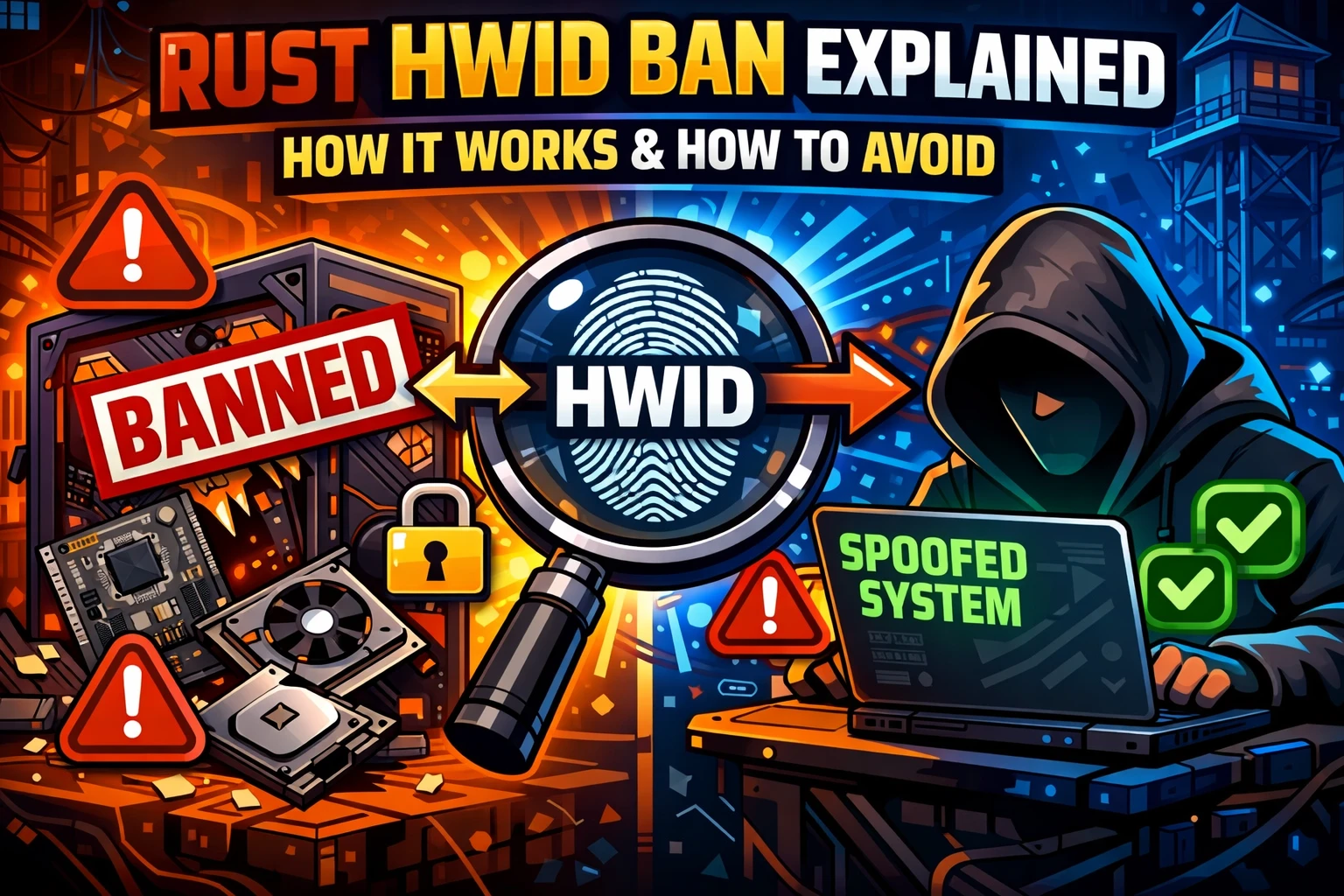
🔒 What Is a Rust HWID Ban?
If you’ve ever been banned in Rust and instantly banned again on a new account, you’ve likely encountered a Rust HWID ban.
Unlike normal bans, this type of restriction targets your actual PC, not just your account.
In this guide, we’ll break down:
- What a Rust HWID ban is
- How it works
- What Rust tracks
- How to reduce your risk
🖥️ What Is an HWID Ban in Rust?
An HWID (Hardware ID) ban is a system-level restriction used by anti-cheat systems like Easy Anti-Cheat (EAC).
Instead of banning just your account, the system collects a unique fingerprint of your PC, including:
- Motherboard identifiers
- Disk serial numbers
- Network adapter data
- System configuration details
👉 This fingerprint is stored and linked to the ban.
⚙️ How Rust HWID Bans Work
When your system is flagged:
- Your hardware fingerprint is recorded
- It gets added to a restricted database
- Any new account on the same system gets flagged
👉 Result:
You can create a new account—but it gets banned almost instantly.
🔗 Related: Can Hardware Bans Be Removed?
If you want a deeper breakdown of hardware bans:
👉 https://cheesebunker.gg/blog/can-hardware-bans-be-removed
🧠 What Does Rust Actually Track?
Rust anti-cheat systems analyze multiple layers:
🔹 Hardware Data
- Device identifiers
- System components
🔹 Behavior Patterns
- Movement and gameplay consistency
- Combat stats and accuracy
🔹 System Environment
- Background processes
- Software interactions
👉 This combination makes detection more advanced than simple account bans.
⚠️ Why HWID Bans Are So Strict
HWID bans exist to stop players from:
- Creating unlimited new accounts
- Bypassing bans easily
- Repeating the same behavior
Because of this, they are much harder to deal with than regular bans.
🔄 What Happens After an HWID Ban?
After a hardware ban:
- New accounts may be restricted quickly
- Reinstalling Windows usually won’t fix it
- Your system remains flagged
👉 This is why many players look into managing their system setup more carefully.
🔧 Understanding System Identity & Spoofing
One method players explore is changing how their system appears to detection systems.
👉 Learn more here:
https://cheesebunker.gg/blog/why-you-need-an-hwid-spoofer
These tools are designed to modify or mask system identifiers, creating a fresh environment.
🛡️ How to Reduce Your Risk in Rust
Whether you’re starting fresh or trying to stay safe:
✔️ Best Practices:
- Keep your setup consistent
- Avoid suspicious gameplay patterns
- Don’t rapidly switch accounts or environments
- Use trusted software only
- Stay updated on detection systems
👉 Consistency is key.
🔧 Extra Protection for Your Setup
If you're looking to maintain a more controlled system environment:
👉 https://cheesebunker.gg/product/spoofer-cheesebunker
This type of solution can help manage how your system appears, adding an extra layer of setup consistency.
🔗 Related Guides
👉 Protect your account long-term:
https://cheesebunker.gg/blog/protect-gaming-account-from-permanent-bans
👉 Learn about Rust bans:
https://cheesebunker.gg/blog/rust-bans-eac-vs-server-bans
❓ FAQ – Rust HWID Bans
What is a Rust HWID ban?
A Rust HWID ban blocks your entire system, not just your account.
Can I bypass a Rust HWID ban?
You can’t remove it directly, but some players explore ways to change their system environment.
Does reinstalling Windows fix a HWID ban?
In most cases, no. Hardware identifiers remain the same.
Why does Rust use HWID bans?
To prevent players from repeatedly bypassing bans using new accounts.
✅ Final Thoughts
Rust HWID bans are one of the most powerful anti-cheat measures in modern gaming.
They don’t just block accounts—they track your system itself.
By understanding how they work and maintaining a consistent setup, you can reduce your risk and stay ahead.
Stay informed. Stay consistent. Stay safe—with cheesebunker.gg.
Published at Mar 27, 2026
Log in to Your Customer Account
CheeseBunker
Discord!
New Fortnite Product! Fortnite - Cheesy
Buildin Spoofer & Cleaner | Code: "Cheesy" for 20% Discount!