
🤖 Rocket League AI Tool (Cheesy) – Setup, Performance & Guide (2026)
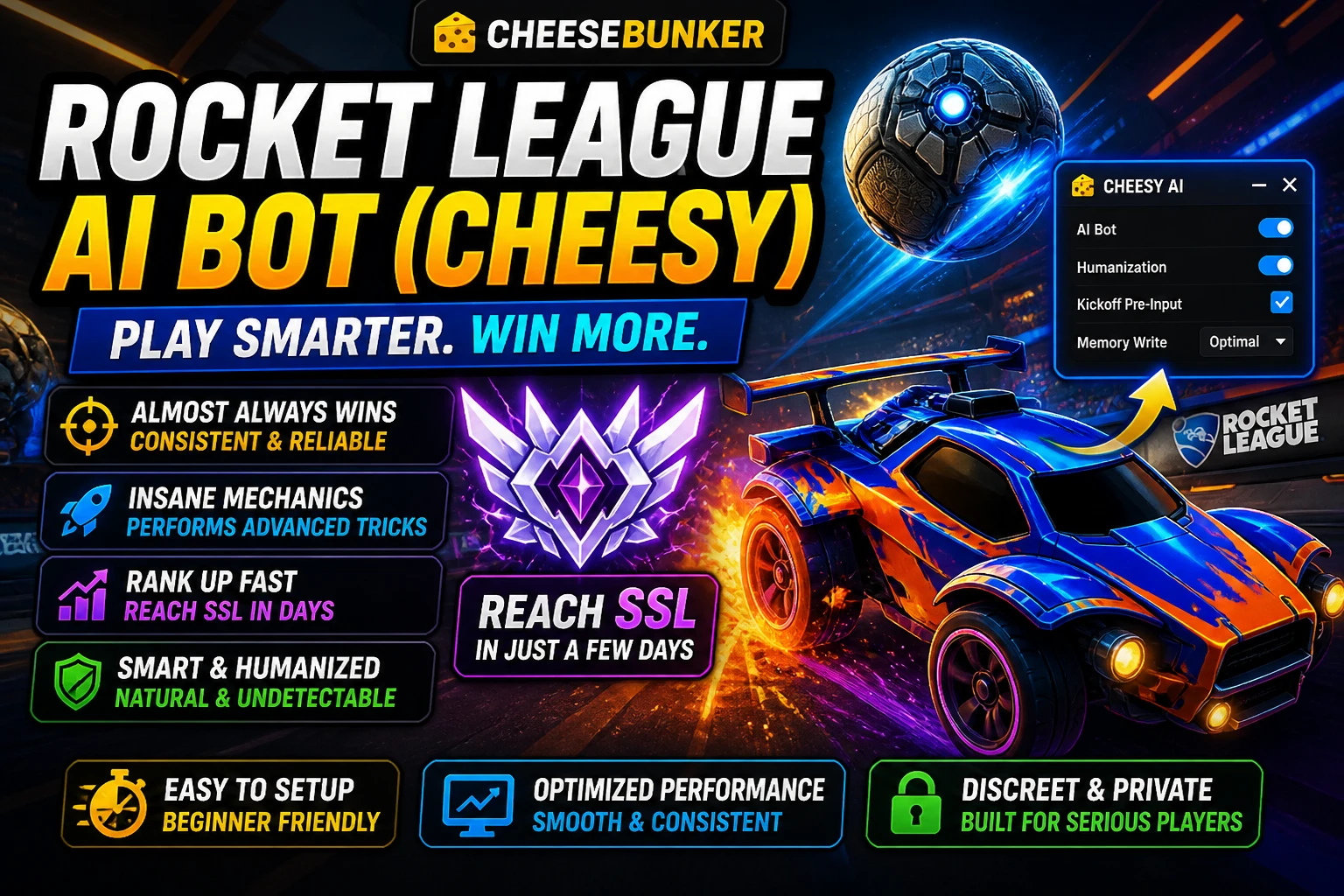
🤖 Rocket League AI Tool (Cheesy) – Full Guide (2026)
Rocket League is one of the most skill-based games out there.
From aerial control to advanced mechanics, reaching high ranks like GC or SSL usually takes hundreds—if not thousands—of hours.
That’s where modern AI-assisted tools come in.
In this guide, we’ll cover:
- What the Rocket League AI tool is
- How to set it up correctly
- Performance expectations
- Best practices for smooth operation
🎮 What Is the Rocket League AI Tool?
The Rocket League AI tool (Cheesy) is designed to assist gameplay by:
- Improving consistency
- Executing advanced mechanics
- Maintaining strong positioning
- Reacting quickly to in-game situations
👉 The goal is smoother, more optimized gameplay.
🚀 Preview
🎥 Watch it in action:
https://www.youtube.com/watch?v=s6llcUnW-H0
⚙️ How to Set Up (In-Game Requirements)
For everything to run correctly, your setup matters.
✔️ Basic Setup
- Press F8 to open the loader
- Do NOT use fullscreen (use borderless/windowed)
🎯 Required Settings
Make sure your in-game settings match:
- FPS capped to 120 FPS
- Steering Sensitivity: 1.00
- Aerial Sensitivity: 1.00
- Controller Deadzone: 0.00
- Dodge Deadzone: 0.50
- Mouse Sensitivity: 1.00
- Keyboard Input Acceleration: 0.00
👉 These ensure stable and predictable behavior.
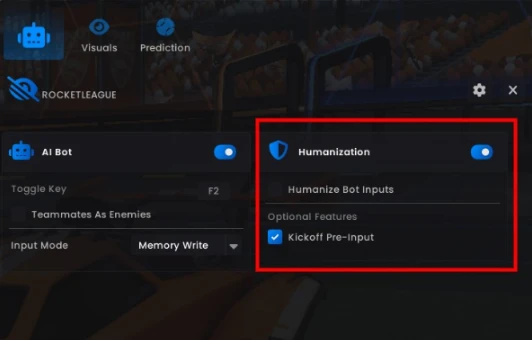
🧠 Humanization Settings (Important)
The tool includes a Humanization system designed to simulate natural input patterns.
✔️ For Balanced Gameplay:
- Keep Humanization enabled
⚡ For Testing Performance:
You can disable:
- Kickoff Pre-Input
- Other Humanization options
👉 This may increase performance, but reduces natural behavior.
📊 Performance Expectations
Performance varies depending on configuration:
- With Humanization ON → High-level competitive play
- With optimized setup → Even stronger consistency
👉 Results depend heavily on your setup and environment.
🛠️ Best Practices for Stability
To ensure smooth performance:
- Configure settings in the main menu only
- Avoid changing settings mid-session
- Stay active while using the tool
- Keep your system stable and consistent
👉 Consistency is key for smooth operation.
⚠️ Important Notes
- Sudden changes in behavior or setup can cause instability
- Fresh accounts or inconsistent setups may behave differently
- Always test configurations before regular use
👉 Use responsibly and understand how your setup behaves.
🔗 Useful Links
👉 Product Page:
https://cheesebunker.gg/product/rocket-league-cheesy
👉 Full Setup Guide:
https://cheeseguides.com/guides/rocket-league/cheesy
🧀 Final Thoughts
AI tools are changing how players interact with competitive games.
With the right setup and configuration, you can achieve:
- More consistent gameplay
- Better mechanical execution
- Improved overall performance
But like any advanced tool, results depend on how you configure and use it.
Published at May 04, 2026
Log in to Your Customer Account
CheeseBunker
Discord!
New Fortnite Product! Fortnite - Cheesy
Buildin Spoofer & Cleaner | Code: "Cheesy" for 20% Discount!