
🔒 DayZ Server Bans Explained: How Tracking, Logs & Detection Work (2026)
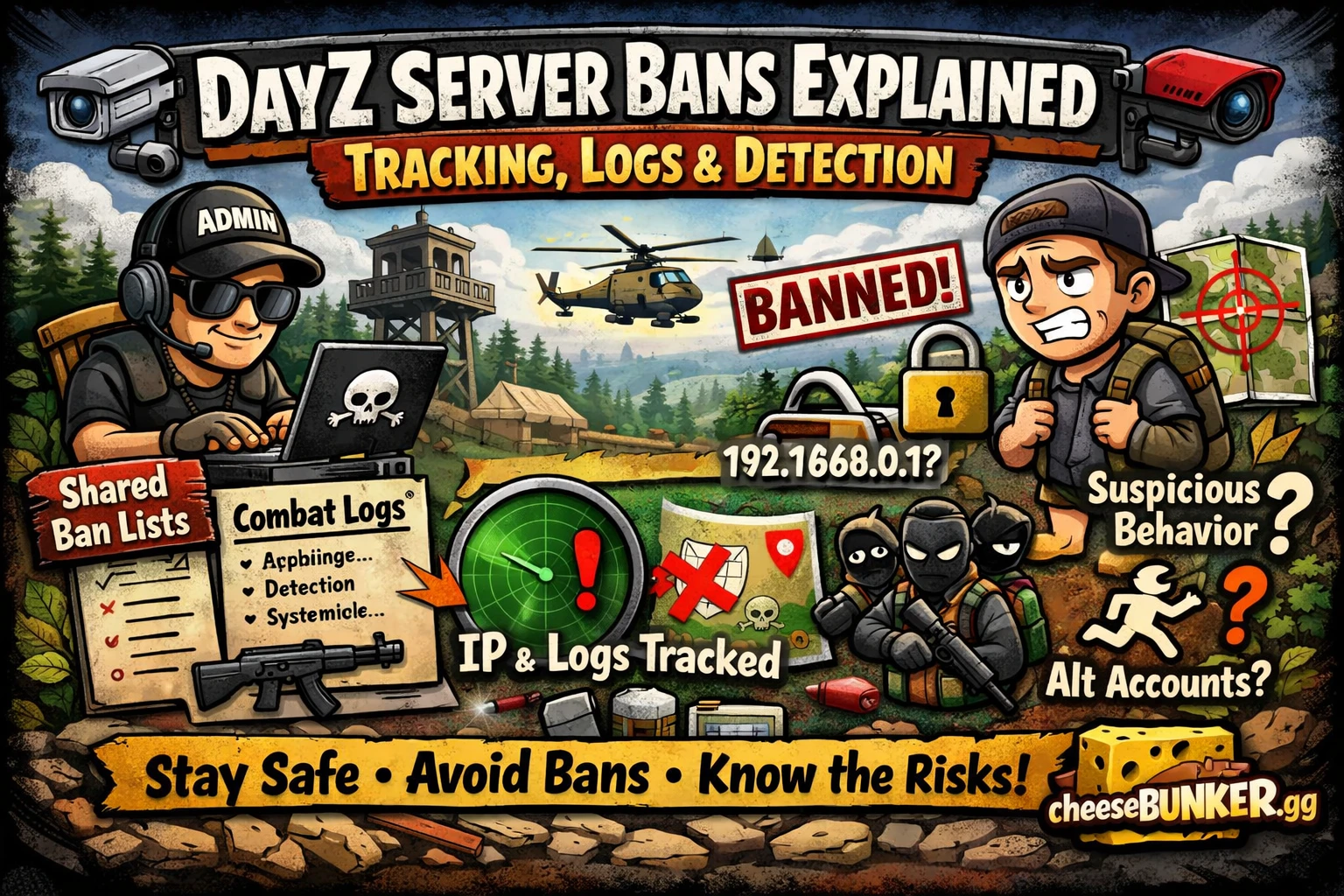
DayZ Server Bans Explained: How Tracking, Logs & Detection Work
DayZ community servers use advanced tracking systems and admin tools to monitor player behavior. If you’ve ever wondered how DayZ server bans work or why bans sometimes carry across servers, this guide explains everything clearly.
Understanding how DayZ server bans, logs, and detection systems operate is essential if you want to stay safe and avoid unnecessary restrictions.
🎮 What Are DayZ Server Bans?
DayZ server bans are enforced at the community server level, not globally.
- A ban only affects a specific DayZ server
- You can still join other DayZ servers
- Some communities share ban lists across multiple servers
Because of shared systems, a single ban can sometimes affect your access elsewhere.
🌐 Shared Ban Lists in DayZ
Many DayZ community servers use shared moderation systems.
This means:
- A ban on one server may flag you on another
- Admins can share ban data across communities
- Detection happens faster on partnered servers
Shared ban lists are common in well-moderated DayZ environments.
🧠 How DayZ Server Tracking Systems Work
DayZ servers rely on advanced admin tools to monitor player behavior in real time.
These systems can track:
- Kill/death ratios and combat stats
- Playtime and session patterns
- Nickname history
- Account behavior and possible alternate accounts
This allows admins to quickly identify unusual or suspicious activity.
📊 DayZ Server Logs Explained
Most DayZ servers run detailed logging systems that record player actions.
🔹 Combat Logs
- Kill details (weapon, distance, players involved)
- Damage dealt and received
🔹 Item Logs
- Picking up, dropping, and storing items
- Inventory interactions
🔹 Session Logs
- Login and logout times
- Playtime duration
- Disconnect reasons
These logs give admins a full overview of your gameplay.
⚠️ Detection Systems on DayZ Servers
Modern DayZ servers use automated detection systems to flag abnormal behavior.
Common detections include:
- Movement anomalies (unnatural speed or positioning)
- Combat inconsistencies (impossible accuracy or range)
- Gameplay irregularities (actions outside normal mechanics)
Some systems notify admins, while others may trigger automatic bans.
🧭 What Can DayZ Servers Track?
Depending on the server setup, tracking may include:
- IP address and general location
- Device or system identifiers
- Nickname and account history
- Gameplay behavior patterns
- System-level traces (in advanced environments)
Not every server tracks everything, but most track multiple data points.
🛡️ How to Stay Safe on DayZ Servers
Reducing your risk comes down to consistency and awareness.
✔️ Best Practices:
- Use a consistent setup (device, IP, account)
- Avoid rapid changes in location or login behavior
- Stick to one identity
- Play naturally and avoid suspicious patterns
- Follow each server’s rules
⚠️ Common Reasons Players Get Banned in DayZ
- Suspicious gameplay behavior
- Frequent account or location switching
- Breaking server rules
- Multiple reports from other players
Even small inconsistencies over time can lead to bans.
🔗 Learn More About Avoiding Bans
Want a broader understanding of how bans work across different games?
Check out our full guide on protecting your gaming account from permanent bans to learn long-term strategies for staying safe.
🔧 Extra Protection for Your Setup
In some cases, protecting your system setup is just as important as your in-game behavior.
If you’re looking to improve your setup privacy, a spoofer solution to secure your HWID information can help add an extra layer of protection.
We also recommend using a complete setup solution. Our DayZ full package with integrated spoofer is designed to provide a more consistent and secure environment while playing.
🧠 Build Safer DayZ Habits
Long-term safety comes from:
- Consistent gameplay behavior
- Stable setup and environment
- Awareness of tracking systems
- Avoiding unnecessary risks
🧀 About cheesebunker.gg
At cheesebunker.gg, we help players understand:
- How DayZ server bans and tracking systems work
- How to protect their accounts and setups
- How to stay safe in competitive environments
Our goal is to keep you informed so you can focus on playing.
❓ FAQ – DayZ Server Bans
What is a DayZ server ban?
A DayZ server ban restricts access to a specific community server rather than the entire game.
Can DayZ bans carry across servers?
Yes, some servers share ban lists, which can cause bans to apply across multiple communities.
What do DayZ admins track?
Admins may track gameplay behavior, logs, IP data, and account patterns depending on the server setup.
How can I avoid getting banned in DayZ?
Stay consistent with your setup, follow server rules, and avoid suspicious behavior patterns.
✅ Final Thoughts
DayZ server bans are more advanced than many players realize. With shared ban systems, detailed logs, and powerful tracking tools, staying safe requires awareness and consistency.
By understanding how these systems work and following best practices, you can significantly reduce your risk.
Stay informed. Stay consistent. Stay safe—with cheesebunker.gg.
Published at Mar 20, 2026
Log in to Your Customer Account
CheeseBunker
Discord!
New Fortnite Product! Fortnite - Cheesy
Buildin Spoofer & Cleaner | Code: "Cheesy" for 20% Discount!